
SpectoEDU
Supported hardware
The glasses-free 3D monitors and VR headsets SpectoEDU runs on, and the computer behind them.
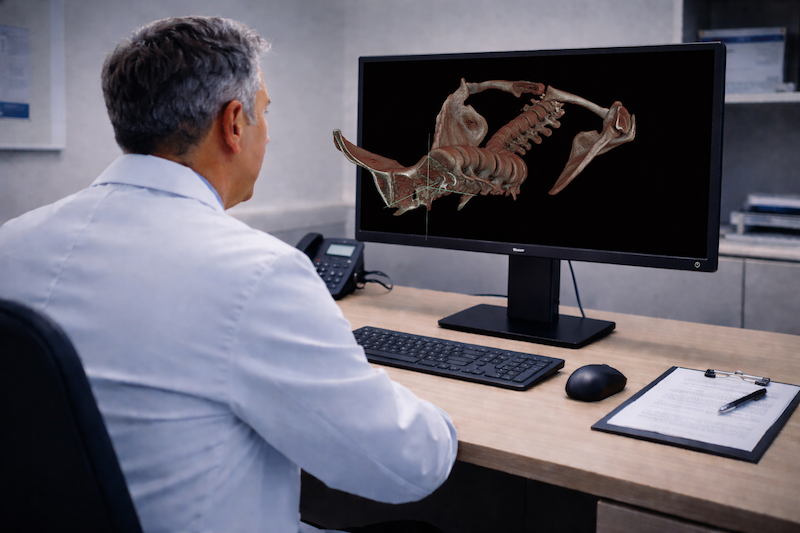
Supported 3D monitors
Three glasses-free monitor ranges are supported, and passive 3D displays work too. Hardware is sold separately.
- Lenovo ThinkVision 27 3D
- Samsung Odyssey 3D monitors
- Acer SpatialLabs devices
- Passive 3D: any monitor with a line-by-line or side-by-side display
Supported VR headsets
For VR, SpectoEDU is validated on two headsets.
- Apple Vision Pro
- Meta Quest 3
System requirements
Windows, minimum
- OS: 64-bit Windows 11
- Processor: 8-Cores/16-Logical processors CPU with a minimum base clock speed of 2 GHz
- Memory: 8 GB of RAM
- Graphics Card: Nvidia GeForce RTX 4060 Ti 8GB or equivalent
- Storage: SSD with 4GB of available space
macOS
- OS: macOS Sequoia (15.0.0)
- Processor: Apple M4 Pro chip
- Memory: 24 GB of RAM
- Graphics: Integrated 20-core GPU (Apple M4 Pro)
- Storage: SSD with 4GB of available space
- Apple's macOS only supports passive 3D monitors.
AI segmentation license
Users with an Automatic (AI) Segmentation Tools license require:
- Graphics Card: Nvidia GeForce RTX 4070 or equivalent with minimum 12 GB of VRAM (dedicated GPU memory)
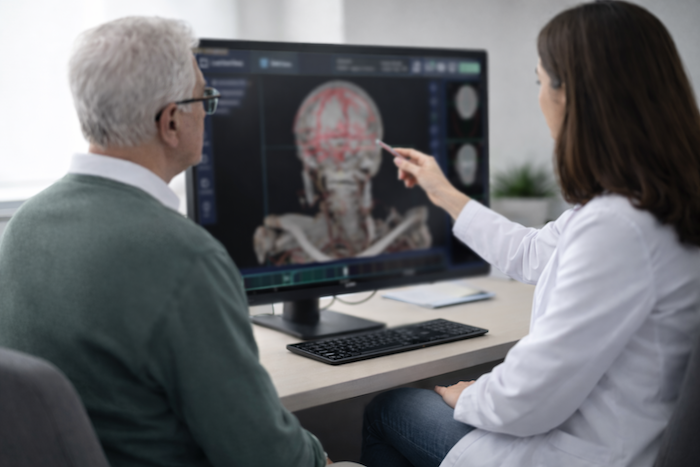
Request a 3D monitor demo
See a case on a glasses-free monitor before you buy the hardware.